
Here are some of the best free apps for Android and iPhone — apps that make your phone much smarter, more productive, and more useful. I grouped them by what kind of “smart” benefit you get (productivity, privacy, creativity, navigation, etc.) so you can pick based on what you need.
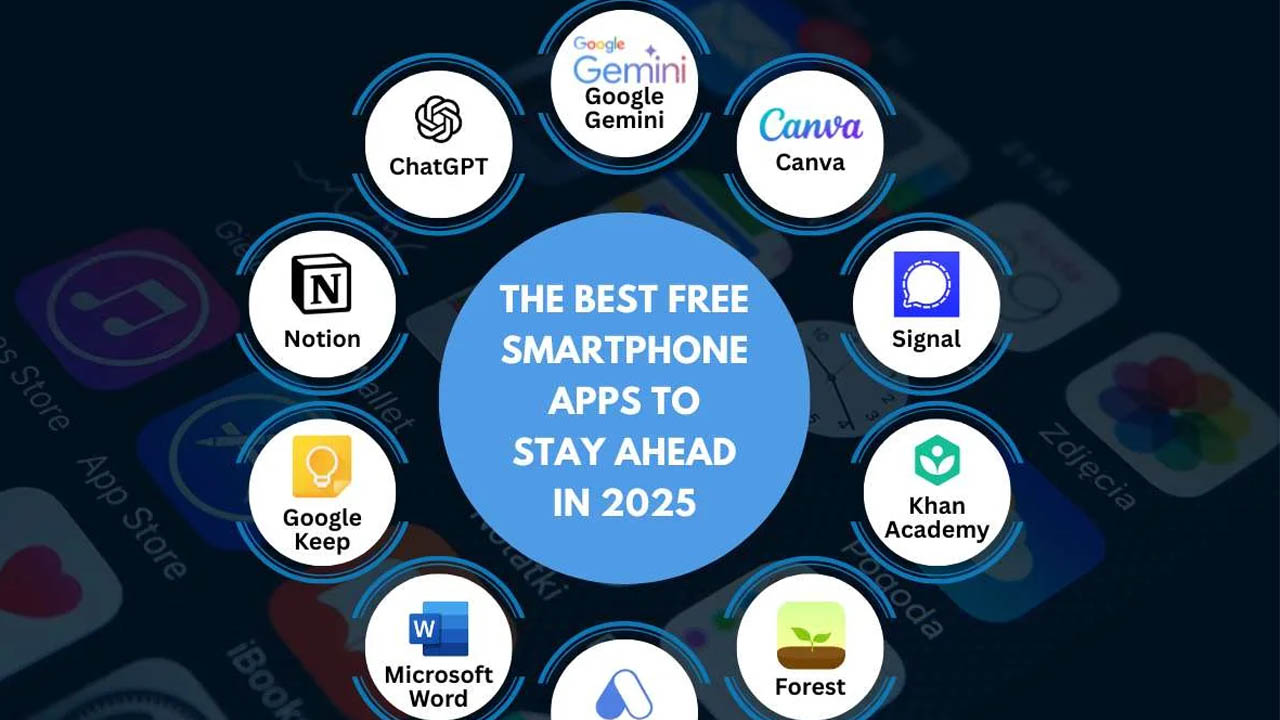
Best Free Apps That Make Your Phone Smarter
Productivity & Organization
Notion — A highly versatile workspace: notes, to-dos, databases, and planning. Good for students, professionals, writers — anybody who needs structure and flexibility.
Microsoft To Do — Great for managing tasks, reminders, to-do lists and daily schedules. Simple UI and works across devices.
Google Keep — Lightweight note-taking and checklist-taking tool. Fast, minimal, syncs across devices — perfect for quick notes, lists, reminders.
Focus, Habits & Time Management
Forest — A unique, gamified way to stay focused: if you stay off your phone, a virtual tree grows. Helps curb phone addiction and encourages disciplined use.
Toggl Track or similar time-tracking tools — Useful for freelancers, students, professionals: track how you spend your time, evaluate productivity, and optimize daily routines.
Creativity, Media & Editing
Snapseed — A powerful free photo-editing app. Offers filters, RAW editing, object-based edits, and more — ideal for improving your photos without a computer.
Video / content-creation apps (depending on what you need) — If you create content, there are free video-editing and design apps that let your phone double as a creative studio.
Privacy, Security & Safe Browsing
Firefox Focus — A privacy-focused browser that blocks trackers and ads. Great if you want a fast and secure browsing experience without being tracked.
Orbot — A free proxy app that routes your internet traffic through the Tor network for anonymity and privacy (available on Android and iOS).
Maps, Navigation & Travel
OsmAnd — A free and open-source navigation app using OpenStreetMap. Works offline (with downloaded maps), provides routing for walking, driving, and biking — very useful when traveling or when internet connectivity is uncertain.
Why These Apps Work — What Makes Them “Smart”
All free or with strong free tiers — You don’t need to pay to get major features.
Cross-device sync or offline support — Your notes, tasks, maps or privacy settings work even if you switch devices or lose connectivity.
Balance of power and simplicity — They don’t overcomplicate things; instead they add clear, useful functionality.
Focus on real problems — Productivity, privacy, photo editing, travel, time management — common needs that many users have, and these apps address them well.
Also Read:- Best Viewpoints in Manali: Snow Peaks, Valleys & Hidden Spots